

Blog
Office 2021 End of Support: What Happens After October 13, 2026

Published: October 15, 2026 | Updated: October 15, 2026
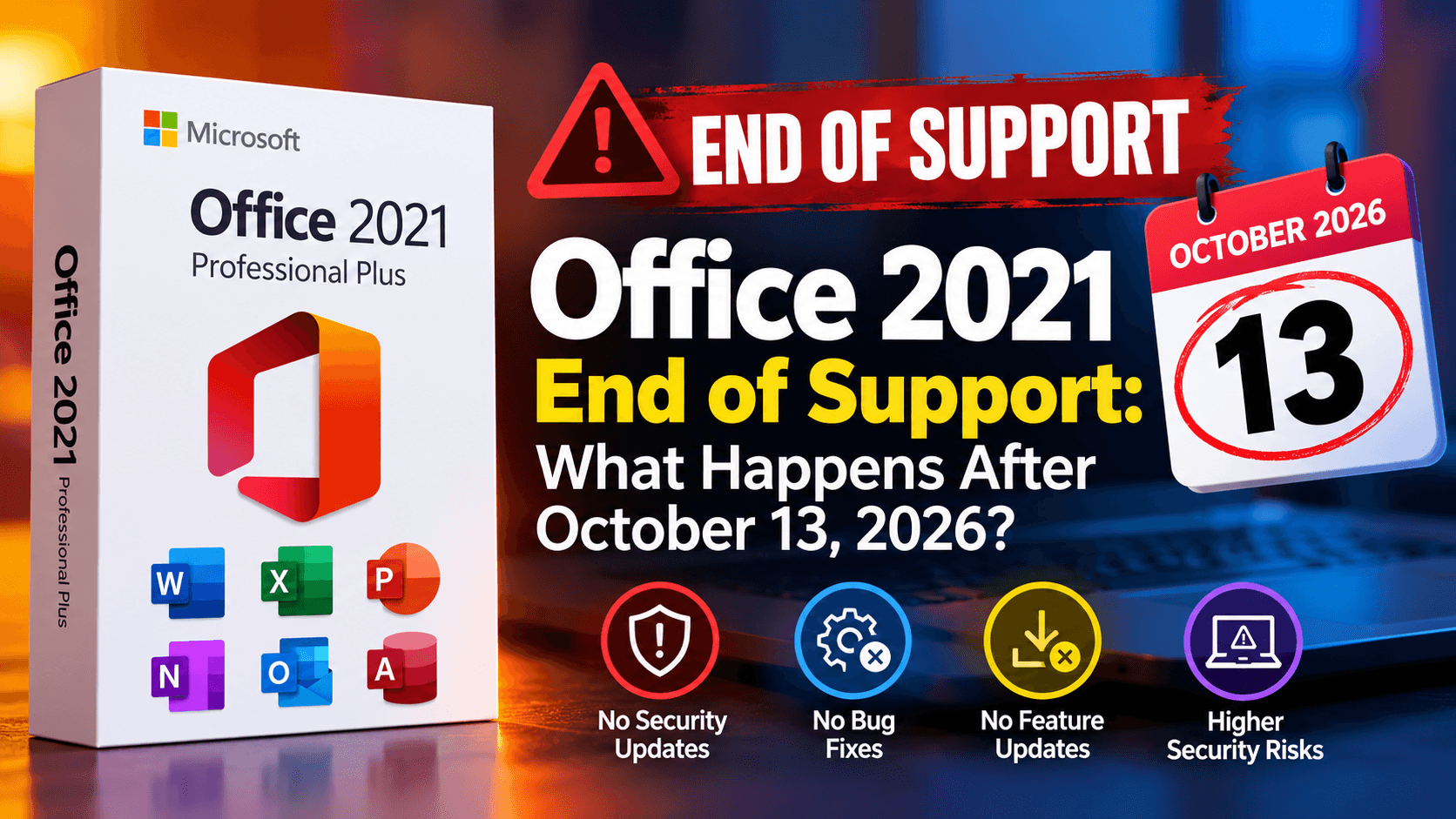
Office 2021 end of support arrived on October 13, 2026, but your Word documents did not vanish overnight. End of support affects Microsoft’s servicing commitment rather than switching off the software, so Office 2021 apps that were working on Tuesday still open on Wednesday.
What changed is quieter and more important. Microsoft no longer ships security fixes, bug fixes or technical support for Office 2021 or Office LTSC 2021, and Microsoft states there will be no extension and no Extended Security Updates (ESU, a paid program that sometimes keeps older products patched).
So the real questions are practical ones. Is Office 2021 still safe to use? Does Office 2021 for Mac follow the same date? Will Outlook keep connecting to Microsoft 365? Should you move to Office 2024 now, or can you wait?
This guide explains the Office 2021 end of support date for each edition, what stops and what keeps working, how to check your version and the calm, sensible ways to move on.
Office 2021 End of Support: Quick Answer
Here is the current position as of October 2026:
- Retail Office 2021 (Home & Student, Home & Business, Professional) reached end of support on October 13, 2026.
- Office LTSC 2021, the volume-licensed edition including Professional Plus and Standard, ended on the same day.
- Office 2021 for Mac and Office LTSC 2021 for Mac share the same end date.
- Microsoft states there is no extension and no Extended Security Updates for Office 2021.
- Installed Office 2021 apps can continue to open, edit and save files.
- Office 2016 and Office 2019 already ended on October 14, 2025.
- Office 2024 and Office LTSC 2024 are supported until October 9, 2029.
In other words, Office 2021 still works, but every new vulnerability found from now on stays unpatched on your PC or Mac.

Is Office 2021 Still Supported?
No. Office 2021 end of support took effect on October 13, 2026, for both the retail and LTSC versions on Windows and Mac. Microsoft’s official Office 2021 lifecycle page lists the retirement date and the editions it covers.
The two families followed different lifecycle policies, but they finished at the same time:
| Product | Lifecycle policy | Release date | Mainstream support ends | Extended support ends |
|---|---|---|---|---|
| Office 2021 (retail, Windows and Mac) | Modern Lifecycle Policy | October 5, 2021 | October 13, 2026 (retirement) | Not applicable |
| Office LTSC 2021 (Windows) | Fixed Lifecycle Policy | September 16, 2021 | October 13, 2026 | No extended phase |
| Office LTSC 2021 for Mac | Fixed Lifecycle Policy | October 5, 2021 | October 13, 2026 | October 13, 2026 |
A quick guide to the terms in that table:
- Modern Lifecycle Policy: the product is supported until a single retirement date, with no separate extended phase.
- Fixed Lifecycle Policy: the product has published mainstream and extended dates set at launch.
- Mainstream support: security updates, bug fixes and help from Microsoft.
- Extended support: security updates only, normally after mainstream support ends.
Microsoft’s lifecycle pages show the cut-off as 6:59 AM Pacific Time on October 14, 2026, which is simply the end of October 13 in Redmond. Microsoft’s own announcements use October 13.
Office 2021 End-of-Support Dates by Version
The Office 2021 end of support is part of a wider pattern, and Office 2021 is not the only version to have left support recently. This table puts the current Office versions side by side, newest first:
| Version | Channel | End-of-support date | Current status |
|---|---|---|---|
| Office 2024 / Office 2024 for Mac | Retail | October 9, 2029 | Supported |
| Office LTSC 2024 / LTSC 2024 for Mac | Volume (LTSC) | October 9, 2029 | Supported |
| Office 2021 / Office 2021 for Mac | Retail | October 13, 2026 | Ended |
| Office LTSC 2021 / LTSC 2021 for Mac | Volume (LTSC) | October 13, 2026 | Ended |
| Office 2019 | Retail and volume | October 14, 2025 | Ended |
| Office 2016 | Retail and volume | October 14, 2025 | Ended |
As of October 2026, Office 2024 and Office LTSC 2024 are the only one-time-purchase versions of Office that Microsoft still supports.
What Does Office 2021 End of Support Mean for Retail Editions?
The Office 2021 end of support means Home & Student 2021, Home & Business 2021 and Professional 2021 receive no further updates. These are the editions most home users, students and small offices bought as a one-time purchase.
Microsoft’s End of support for Office 2021 page says the apps may continue to function, but warns that staying on them could expose you to serious security risks. It also notes that phone and chat support have ended and that most online help content will be retired over time.
For a home user writing letters and household budgets, the risk is real but gradual. For a business that opens attachments from strangers all day, the risk grows much faster.
What About Office LTSC 2021 End of Support?
The Office 2021 end of support covers Office LTSC 2021 too, on the same day. LTSC stands for Long-Term Servicing Channel, the volume-licensed edition designed for organizations that want a fixed feature set rather than monthly feature changes.
Microsoft’s Office LTSC 2021 end-of-support announcement states that technical support, bug fixes and security updates have stopped, and that this may affect compliance requirements. Microsoft recommends Microsoft 365 Apps, or Office LTSC 2024 for organizations not yet ready to move to the cloud.
If you bought Office Professional Plus 2021, you are almost certainly in this group. Our guide to installing and activating Office 2021 Professional Plus explains how that edition is deployed and activated.
IMPORTANT: If your organization works under security frameworks, cyber insurance terms or client contracts that require supported software, Office LTSC 2021 may now fail those checks. Review this with whoever owns your compliance obligations.
Is Office 2021 for Mac Also Affected?
Yes. The Office 2021 end of support applies to Office Home & Student 2021 for Mac, Home & Business 2021 for Mac and Office LTSC Standard 2021 for Mac on October 13, 2026.
Mac users face one extra wrinkle: macOS itself moves on every year. Newer versions of macOS are not guaranteed to work well with an unsupported Office build, so an Office 2021 install that runs well today may become awkward after a future macOS upgrade.
Mac readers can browse current options in Bcdkey’s Office for Mac category.
Does Office 2021 End of Support Mean Office Will Stop Working?
Usually not. The Office 2021 end of support does not trigger a kill switch, and Microsoft’s own support page says the apps may continue to function.
Here is what stops after the Office 2021 end of support date:
- Security fixes for newly discovered vulnerabilities
- Bug fixes and reliability updates
- Phone and chat technical support from Microsoft
- Most Microsoft online help content for Office 2021, over time
- Microsoft’s commitment that Office 2021 connects to Microsoft 365 services
That last point deserves a word. Microsoft’s Office and Windows configuration support matrix ties Microsoft 365 service connectivity to supported versions and lists Office LTSC 2021 connectivity only through October 2026. That does not mean Outlook disconnects on a set day, but it does mean Microsoft no longer promises that it will keep working with Exchange Online, OneDrive or SharePoint.
Remember that other components have their own lifecycles. Your operating system, your antivirus and any add-ins you rely on are supported, or not, on separate schedules. An unsupported Office 2021 on an unsupported Windows 10 PC is two problems, not one.
Office 2021 End of Support Risk: Is It Safe to Keep Using It?
It depends on how you use it, because the Office 2021 end of support affects a home PC and a busy office very differently. Office documents are a common way to deliver malicious content, so the apps that open email attachments carry the most exposure.
Your risk is lower when you:
- Use Office offline or on a single home PC
- Rarely open documents from people you do not know
- Keep Windows or macOS fully updated
- Run up-to-date security software
Your risk is higher when you:
- Open invoices, resumes or attachments from outside contacts every day
- Use Outlook 2021 with a business mailbox
- Store client data covered by contracts or regulations
- Manage several PCs that all run the same unpatched build
Think of it like a door lock that will never be upgraded again. It still locks, but every new trick learned by burglars from now on will work on it.
How to Check Your Office Version
Before planning around Office 2021 end of support, confirm what is actually installed. Plenty of people discover that the “Office 2021” they were worried about is really Office 2019, or Microsoft 365.
On Windows:
- Open Word, Excel or any Office app.
- Select File → Account.
- Read the product name under Product Information, for example “Office Professional Plus 2021” or “Office Home & Student 2021”.
- Select About Word (or the app you opened) to see the version and build number.
On a Mac:
- Open Word or another Office app.
- Select Word → About Word from the menu bar.
- Check the license line, which shows whether this is a one-time purchase 2021 license or a Microsoft 365 subscription.
If the product name mentions Microsoft 365, you are on a subscription that is still supported, and the Office 2021 end of support does not apply to you.
How to Update Office 2021 One Last Time
Before you plan an upgrade, make sure your current install has every update Microsoft released before the Office 2021 end of support date. A fully patched Office 2021 is safer than a half-patched one while you prepare.
- Open any Office app and select File → Account.
- Select Update Options → Update Now.
- Close Office apps when prompted and let the update finish.
- On a Mac, open Help → Check for Updates to run Microsoft AutoUpdate.
- Restart, then confirm the build number again under About.
Before replacing Office anywhere in a business, test these components first:
- Excel macros and VBA projects
- Access databases and their linked tables
- Outlook profiles, shared mailboxes and PST files
- Third-party add-ins such as PDF tools, CRM connectors and accounting plug-ins
- Document templates and custom ribbons
For more than a handful of PCs, move a small pilot group first and let them work normally for a week or two. Ten minutes of preparation can save an afternoon of chasing a macro that refuses to run.
Should You Stay on Office 2021 or Upgrade to Office 2024?
After Office 2021 end of support, newer is not automatically better for everyone. Office 2024 is the supported successor, but some readers can reasonably wait a little while they plan.
Stay with Office 2021 for now when:
- The PC is offline or used only for occasional personal documents
- You are replacing the computer soon and will buy Office with it
- You need a few weeks to test macros or add-ins before switching
- The device is isolated and never opens outside email or downloads
Consider Office 2024 when:
- You open email attachments or shared files from outside contacts
- Your business, clients or insurer require supported software
- You use Outlook with Exchange Online or another Microsoft 365 service
- You want security updates through October 2029 without a subscription
- You are already reinstalling Windows or setting up a new PC
Another option is Microsoft 365, the subscription version that is updated continuously and is not tied to the Office 2021 end of support date. It suits people who want cloud storage and always-current apps, while one-time purchase Office suits people who prefer to pay once and keep a fixed feature set.
Which Office 2024 Edition Replaces Your Office 2021?
Office 2021 end of support is a good moment to rethink editions. Match the new edition to what you actually use, not to the most expensive box. A version upgrade (2021 to 2024) and an edition change (Home to Professional Plus) are two different decisions.
| If you have | A sensible Office 2024 replacement | Fit and limits |
|---|---|---|
| Home & Student 2021 | Office Home 2024 | Word, Excel, PowerPoint and OneNote for one PC; no Outlook |
| Home & Business 2021 (Windows or Mac) | Office Home & Business 2024 | Adds Outlook and business-use rights; one PC or Mac |
| Professional Plus 2021 or LTSC 2021 | Office LTSC Professional Plus 2024 | Word, Excel, PowerPoint, Outlook, OneNote and Access on one Windows PC |
| Several PCs on Professional Plus | Multi-PC LTSC 2024 licenses or a business quote | One license per device; plan the count before deployment |
Home users who only write documents and spreadsheets will be well served by Microsoft Office 2024 Home, which links to your Microsoft account for one PC. You do not need Professional Plus simply because your old copy happened to include Access.
Freelancers and small offices that need Outlook can choose Microsoft Office Home & Business 2024, which installs on one Mac or one Windows PC and includes business-use rights. It is the closest like-for-like replacement for Home & Business 2021.
Organizations moving from LTSC 2021 can look at Microsoft Office 2024 Professional Plus LTSC, which activates Office LTSC Professional Plus 2024 on one Windows PC. It is a Windows product and not a replacement for Office on macOS. If your network blocks online activation, the Office 2024 Pro Plus LTSC Phone Activation key activates by phone instead.
One caveat: Microsoft states that Office LTSC 2024 does not include Publisher, which is being retired in 2026. If you still rely on Publisher files, export them to PDF or convert them to Word before you switch. You can compare every current edition in Bcdkey’s Office 2024 category.
How to Move from Office 2021 to Office 2024 Safely
Moving on after Office 2021 end of support is usually simple, but it rewards a little order. Follow these steps:
- Note your current Office edition and build from File → Account.
- Back up templates, custom dictionaries, macros and Outlook PST files.
- Export any Publisher files to PDF or Word.
- Confirm your add-ins support Office 2024.
- Uninstall Office 2021 from Settings → Apps → Installed apps.
- Restart the PC.
- Install Office 2024 from your Microsoft account, or for LTSC from the Bcdkey Download Center.
- Activate with your new product key.
- Open each app, check your files and re-enable add-ins one at a time.
Removing the old version first is usually the cleanest approach, and it avoids two versions competing over file associations. Your documents themselves stay where they are; uninstalling Office does not delete them.
Need to activate by phone? Use the Bcdkey Get Confirmation ID tool, and see our step-by-step guide on how to activate Microsoft Office by phone. If anything goes wrong, you can open a support ticket.
READY CHECK: If you are still on Windows 10, plan the operating system and the Office upgrade together. Our Windows 11 Home vs Pro guide helps you choose the right edition.
Recommended Action by Installed Version
Use this table to find your next step after Office 2021 end of support:
| Installed version | Recommended action |
|---|---|
| Office 2016 or Office 2019 | Unsupported since October 14, 2025. Move to Office 2024 or Microsoft 365 as a priority. |
| Office 2021 retail (Windows) | Unsupported since October 13, 2026. Install final updates, then plan the move to Office Home 2024 or Home & Business 2024. |
| Office 2021 for Mac | Unsupported since October 13, 2026. Avoid major macOS upgrades until you have moved to Office Home & Business 2024. |
| Office LTSC 2021 | Unsupported since October 13, 2026. Pilot Office LTSC 2024 and review compliance obligations. |
| Office 2024 or Office LTSC 2024 | Supported until October 9, 2029. Keep updates on; nothing to buy. |
| Microsoft 365 | Supported while your subscription is active. Keep updates on. |
Final Thoughts
Office 2021 end of support is not really about Word refusing to open. It is about how long you are comfortable using software that will never be patched again.
The key fact is simple: Office 2021 and Office LTSC 2021, on Windows and Mac, stopped receiving support on October 13, 2026, with no Extended Security Updates. The apps keep working, but the security gap widens with every new vulnerability.
For most home users and small offices, the simplest option is a like-for-like move to Office 2024, which is supported until October 9, 2029. Organizations with bigger plans can pilot Office LTSC 2024 or compare it with Microsoft 365 before rolling anything out.
This week, open File → Account on each computer and write down which Office version it runs. That one list turns a vague worry into a manageable checklist.
When you are ready to choose an edition, compare the Office 2024 range on Bcdkey.
FAQ About Office 2021 End of Support: What Happens After October 13, 2026
When did Office 2021 end of support happen?
October 13, 2026. Microsoft ended support for Office 2021 and Office LTSC 2021 on Windows and Mac on that date, with no extension.
Will Office 2021 stop working after October 13, 2026?
No. Office 2021 end of support stops updates, not the apps. Microsoft states that Office 2021 apps may continue to function, but they no longer receive security fixes, bug fixes or technical support.
Are Extended Security Updates available for Office 2021?
No. Microsoft states there are no Extended Security Updates after Office 2021 end of support, so newly discovered vulnerabilities will not be patched.
Does the Office 2021 end of support apply to Office LTSC 2021?
Yes. Office LTSC 2021, including Professional Plus and Standard, reached end of support on October 13, 2026, the same day as retail Office 2021.
Is Office 2021 for Mac still supported?
No. Office 2021 for Mac and Office LTSC 2021 for Mac reached end of support on October 13, 2026. Office Home & Business 2024 is a supported option for one Mac or PC.
Will Outlook 2021 still connect to Microsoft 365?
Not guaranteed. Microsoft lists Microsoft 365 connectivity for Office LTSC 2021 only through October 2026, so it may keep working for a while but Microsoft no longer commits to it.
Do I need a new product key after uninstalling Office 2021?
Yes, if you are moving to Office 2024. An Office 2021 key activates only Office 2021, so Office 2024 needs its own key that matches the edition you install.
Is Microsoft 365 affected by Office 2021 end of support?
No. Microsoft 365 is a subscription that receives continuous updates and has its own lifecycle, so it is not affected while your subscription stays active.
How long is Office 2024 supported?
October 9, 2029. Microsoft supports Office 2024, Office 2024 for Mac and Office LTSC 2024 until that date.